Results and class rankings
See every student's marks, the questions most of them missed, how your class ranks in Class progress, and your dashboard.
1. An exam's results
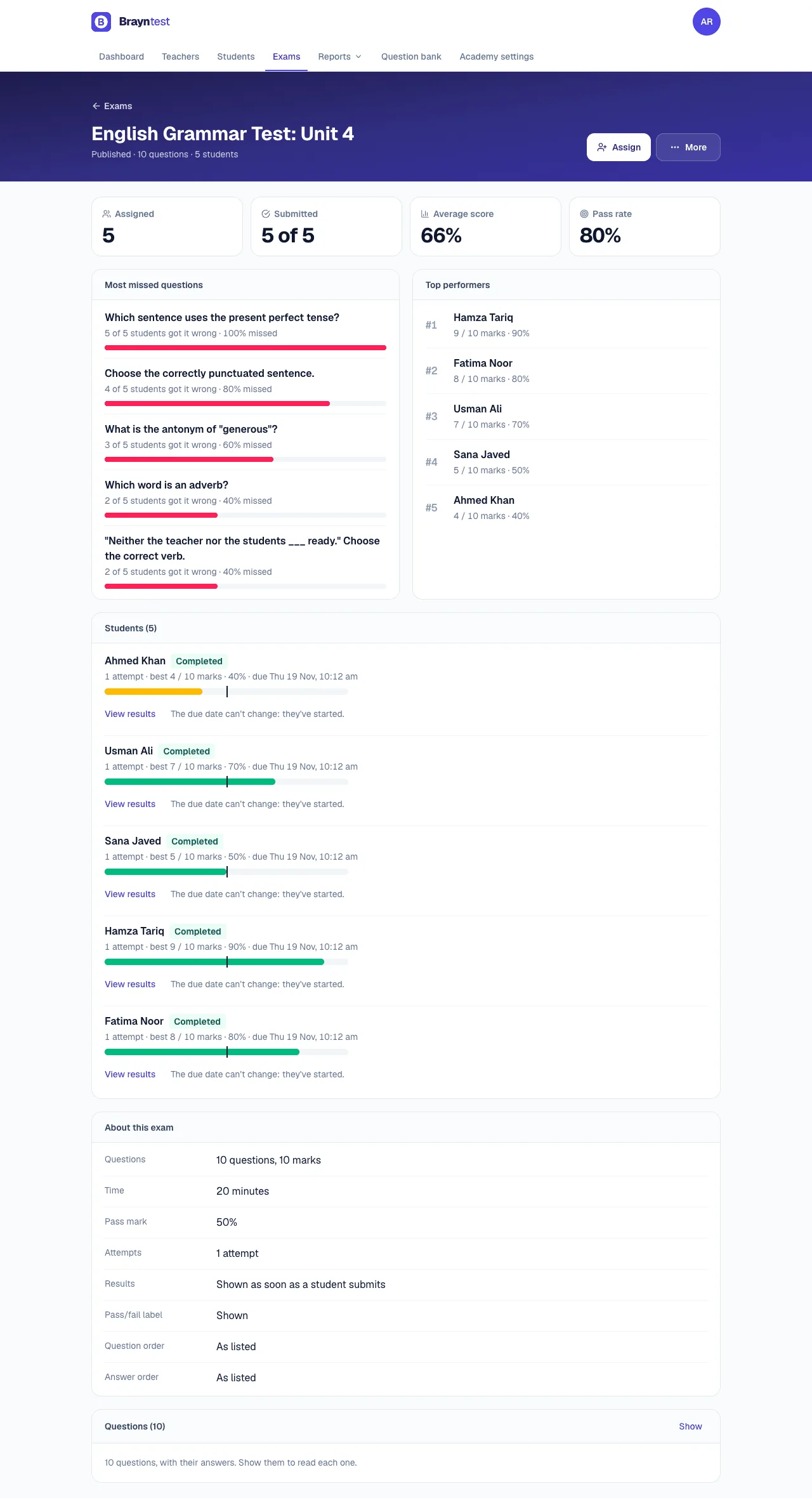
Open the exam from the Exams page. Results shows the average, how many passed, the questions most students missed, and the top performers.
2. Every student's marks
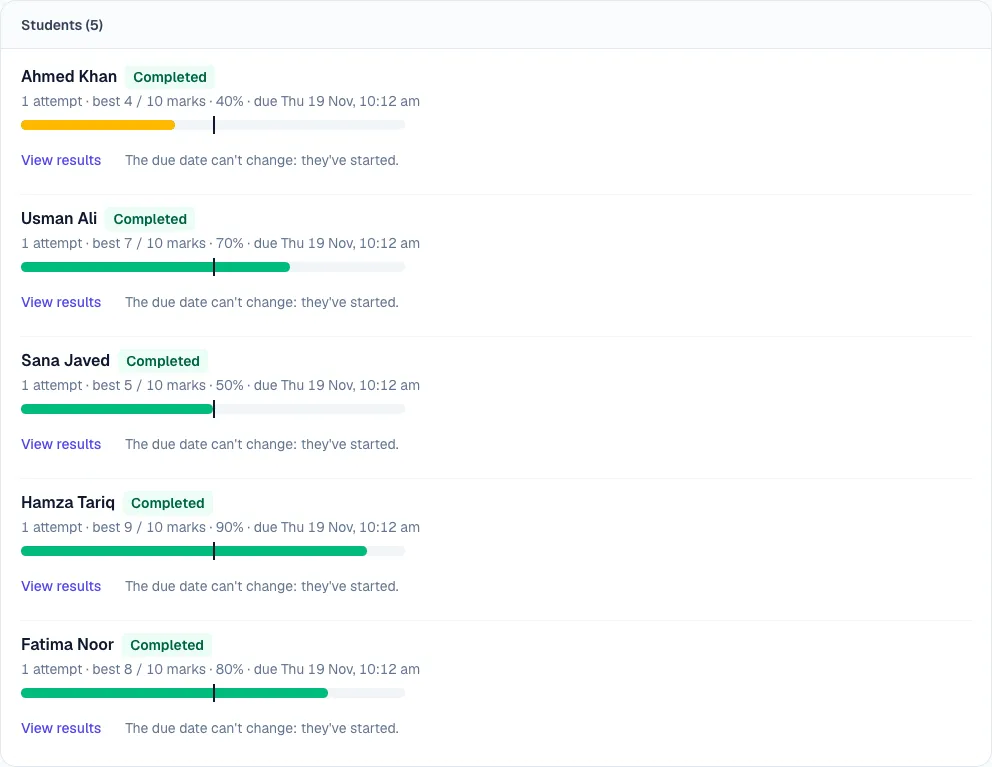
Further down, every student the exam was assigned to, with their best result (marks first, then the percentage: "best 9 / 10 marks · 90%"), or that they haven't started yet; "View results" opens a student's answers. A student whose time ran out is marked "closed by time".
3. How your class ranks
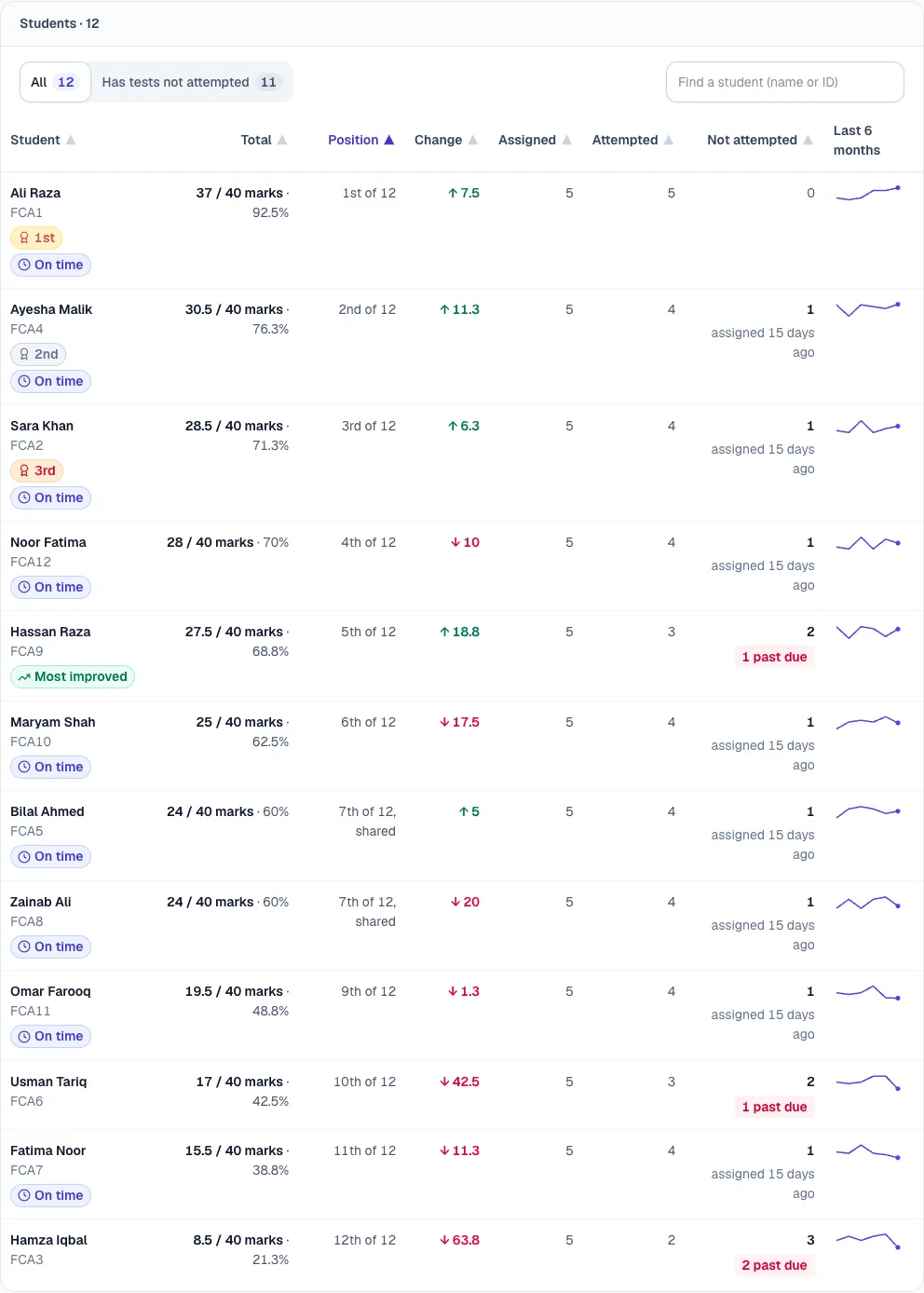
Reports › Class progress ranks a class or level by their real marks for a month or a week (like 25 / 30 marks · 84%, 2nd of 12), the same total and position their parents' reports show. Only you and your teachers see it; students see only their own results, and a badge if they're in the top 3. The Class progress guide explains every part.
4. Your dashboard
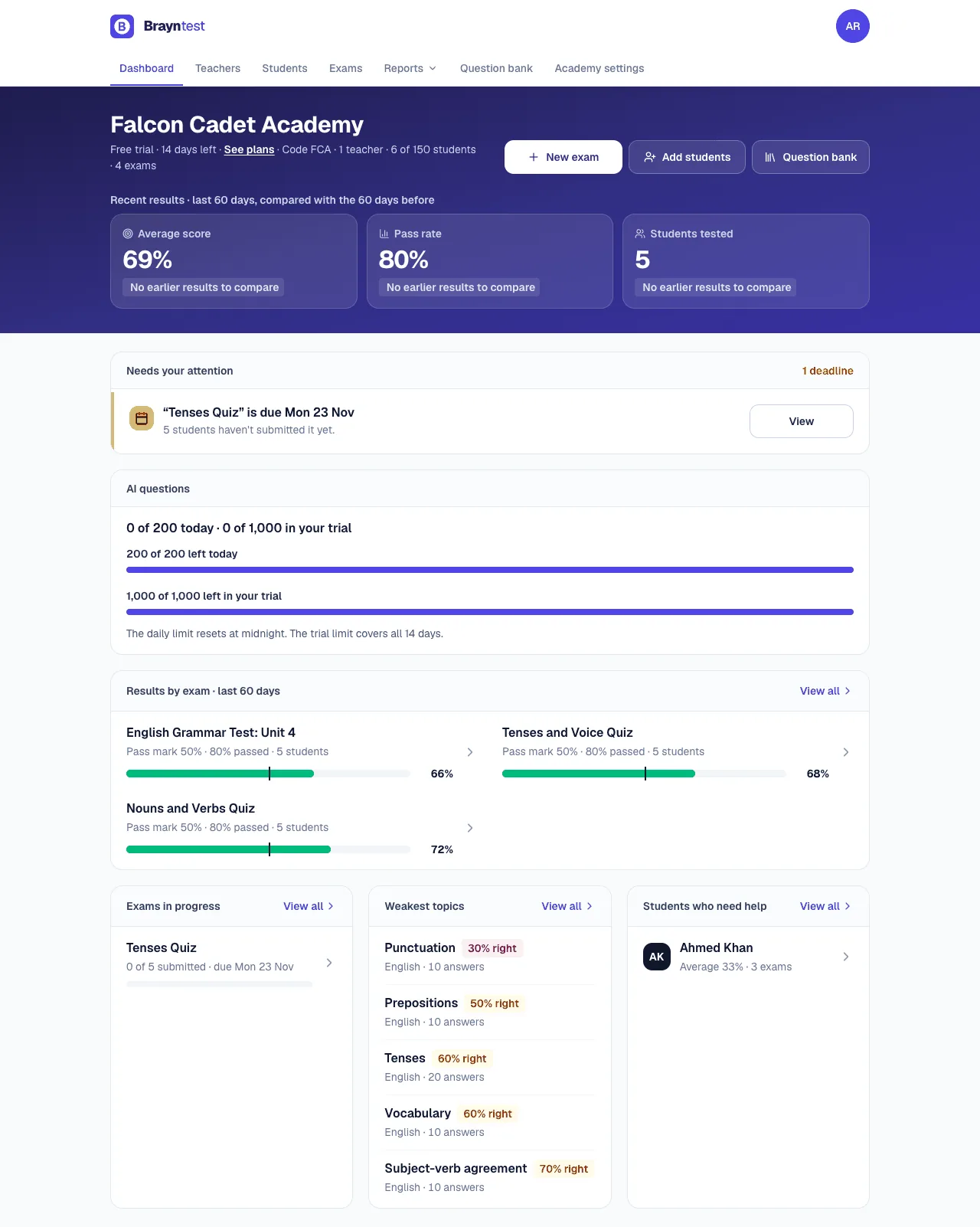
The dashboard shows recent averages against the 60 days before, results by exam, and the students who need help (low scores or missed exams).